
Intelligent Document Processing: Automating the Paper Trail
Intelligent Document Processing: Automating the Paper Trail
Why the paper pile still slows your business downMost small and medium businesses in Lleida, Tarragona or Girona have already moved part of their oper...
Why the paper pile still slows your business down
Most small and medium businesses in Lleida, Tarragona or Girona have already moved part of their operation to the cloud, yet a stubborn layer of paperwork survives: supplier invoices, delivery notes, signed contracts, registration forms filled in by hand. Someone still has to open each file, read it and type the relevant figures into an accounting package or a spreadsheet. That person is usually your most experienced admin colleague, and every hour spent retyping is an hour not spent on customers.
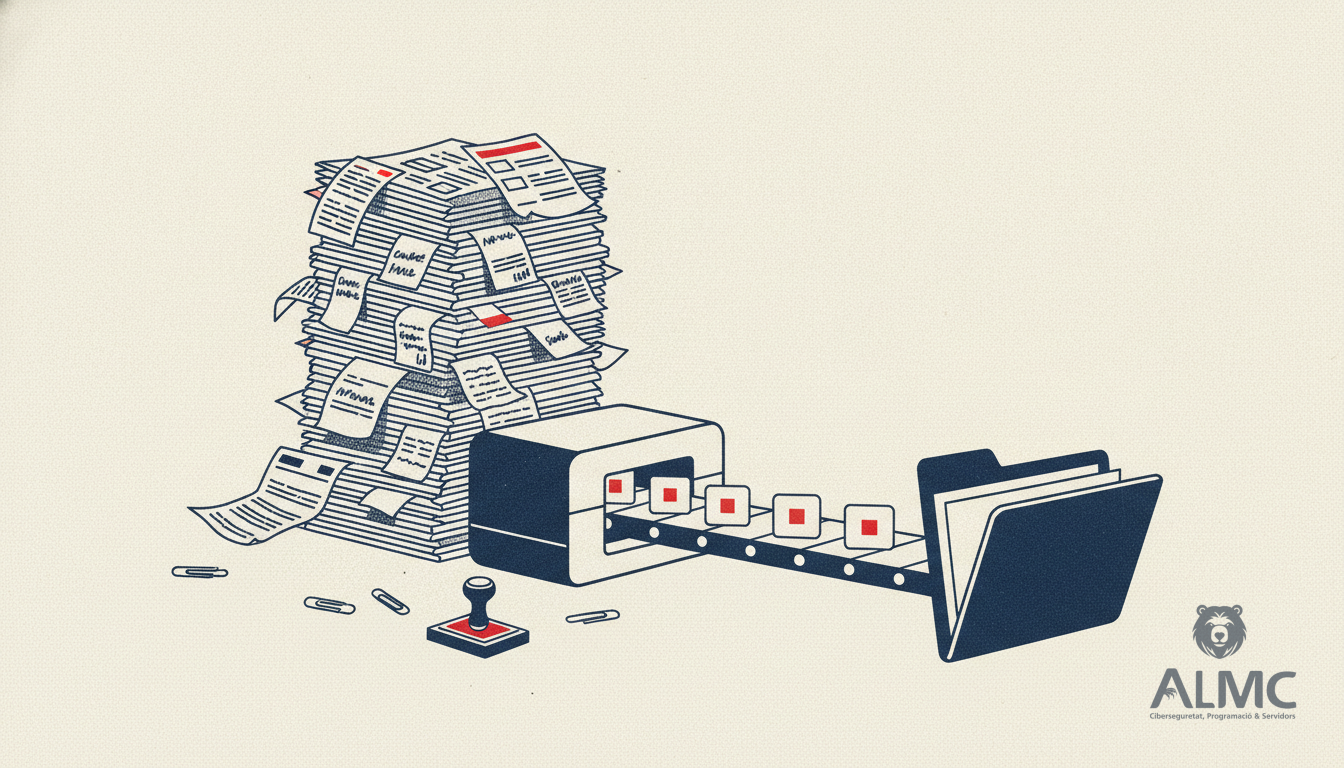
Optical character recognition (OCR) has been around for decades, but the traditional version only works well when documents look the same every time. Real paperwork does not behave like that. It arrives crooked, photographed at an angle, stamped, folded or handwritten. The newer generation of AI-assisted OCR closes much of that gap, and it is precisely what makes end-to-end process automation realistic for a company of ten or fifty people.
What changes when machine learning reads the page
The classic approach relies on fixed templates: the invoice total sits at a given position, the VAT number at another. Move the layout and the extraction breaks. AI-based recognition instead learns from many examples what a total, a date or a tax identifier tends to look like, whatever the layout. The practical consequences are worth spelling out:
- Messier originals are tolerated. Slight rotations, shadows, low contrast or a phone photo of a receipt no longer mean a manual retype.
- Fewer template rebuilds. When a supplier redesigns its invoice, you are less likely to spend an afternoon reconfiguring rules.
- Handwriting becomes partially usable. Combined with handwriting-specific recognition, handwritten forms stop being an automatic dead end.
- Accuracy improves on varied input, although no system removes errors entirely. A human review step for low-confidence fields remains good practice.
In short, both technologies turn pixels into text. The difference is how much supervision the result needs before you can trust it.
From recognised text to a finished workflow
Reading a document is only the first link in the chain. The value appears when the extracted data triggers something: a record created in your ERP, an approval request sent to a manager, a payment scheduled, a file archived under the right client. This is where intelligent document processing meets process automation, and where the real time savings accumulate.
A typical flow for a Catalan SME might look like this. An invoice arrives by email or is scanned at reception. The system classifies it, extracts supplier, date, amount and VAT, and checks the figures against the purchase order. If everything matches, the record is created automatically and the invoice is filed. If a field is doubtful, the document is routed to a person with the suspect value highlighted. No one types anything twice, and nothing is lost in a shared inbox.
What this means in euros and hours
Rather than quoting headline percentages, it is more useful to measure your own baseline. Count how many documents you process per week, how long each takes and how often errors force a correction. For many SMEs the arithmetic is sobering: a few minutes per invoice, several hundred invoices a month, plus the cost of mistakes that surface later in the accounts. Automating even the classification and data capture stages usually removes the bulk of that repetitive work, and the payback period is often measured in months rather than years.
There is also a compliance dimension. Under the GDPR, documents containing personal data must be handled with care, and any tool that reads and stores them should offer clear controls over where data lives and who can access it. Choosing providers that host within the EU and document their processing agreements is not optional for Spanish businesses.
Where automation platforms such as n8n fit in
An OCR engine on its own is a component, not a solution. The glue that connects it to your email, your storage, your accounting software and your notification channels is what turns it into a working process. Visual automation platforms such as n8n are well suited to this: you connect applications, define the steps and add conditions without building a bespoke system from scratch. At ALMC we use this kind of integration work to link document capture with the tools a business already pays for, so the new flow fits the existing operation instead of replacing it.
The same logic applies beyond invoices. Delivery notes, expense claims, customer onboarding forms, maintenance reports from field staff: any repetitive task that starts with reading a document and ends with typing into a system is a candidate. Automating these flows frees your team for judgement-based work and reduces the small errors that quietly cost money.
How to choose sensibly
Before comparing vendors, define the documents you actually handle, their volume and the fields you need. Then check how the tool copes with your worst samples, not your cleanest ones. Ask about language support for Catalan and Spanish, about the review interface for doubtful values, and about how the output connects to your existing software. A pilot on one document type, run for a few weeks, will tell you more than any feature list. If you would like to explore what automating your document flow could look like, the team at ALMC in Lleida can help you map the first process and estimate the hours it would save.
Related
- n8n Automation Guide: Streamline Your Business Workflows in 2026
- How Much Does Process Automation Really Cost? A 2026 Guide for SMEs
- Best WordPress SEO Plugins 2026: Expert Comparison for Spanish Sites
- Chatbot IA
Put these ideas into practice
Talk to ALMC about a solution for your business. Explore your options or contact our team.